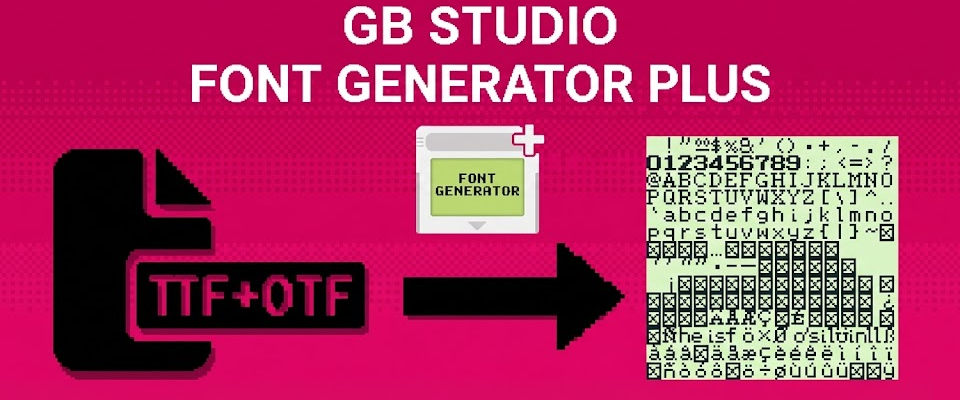
GB Studio - Font Generator PLUS!
GB Studio Font Generator +
Convert TrueType fonts to GB Studio format with ease! 🎮
UPDATE - JANUARY 2026 🎉
After years since the original release, I'm excited to introduce GB Studio Font Generator + - a complete rewrite of the tool with modern features and a much better user experience!
What's New:
- Web Version - Run directly in your browser, no installation needed
- Variable Width Fonts - Automatic magenta marker generation
- Codepage Support - Create custom character mappings for Japanese, Cyrillic, and other alphabets
- Modern Interface - Sleek, responsive UI with real-time preview
The original version is still available below for those who need it!
ABOUT GB STUDIO FONT GENERATOR
GB Studio is an amazing visual game builder that lets you create real Game Boy games. One of the key features is custom fonts, which are rendered using PNG images (128×112 pixels) in a specific format.
Creating these fonts manually can be tedious - you'd have to either draw every character by hand or edit font files in a graphics program. That's where this tool comes in! 🚀
GB Studio Font Generator PLUS makes the process super simple: just load a TrueType font file (.ttf or .otf), and the tool generates a properly formatted PNG ready to use in GB Studio. Want to test different fonts in your game? Now you can do it in seconds instead of hours!
WEB OR DESKTOP? 🖥️
GB Studio Font Generator PLUS is released both in Desktop and Web Version. Desktop version can be bought at the same price of the original version of the software and people who already owned it can already access to it.
It will be soon released the MAC OS desktop version, so MAC users, stay tuned!
FEATURES ✨
Core Features (Original + Plus)
- Easy Font Conversion - Load any .ttf or .otf file and convert it to GB Studio format
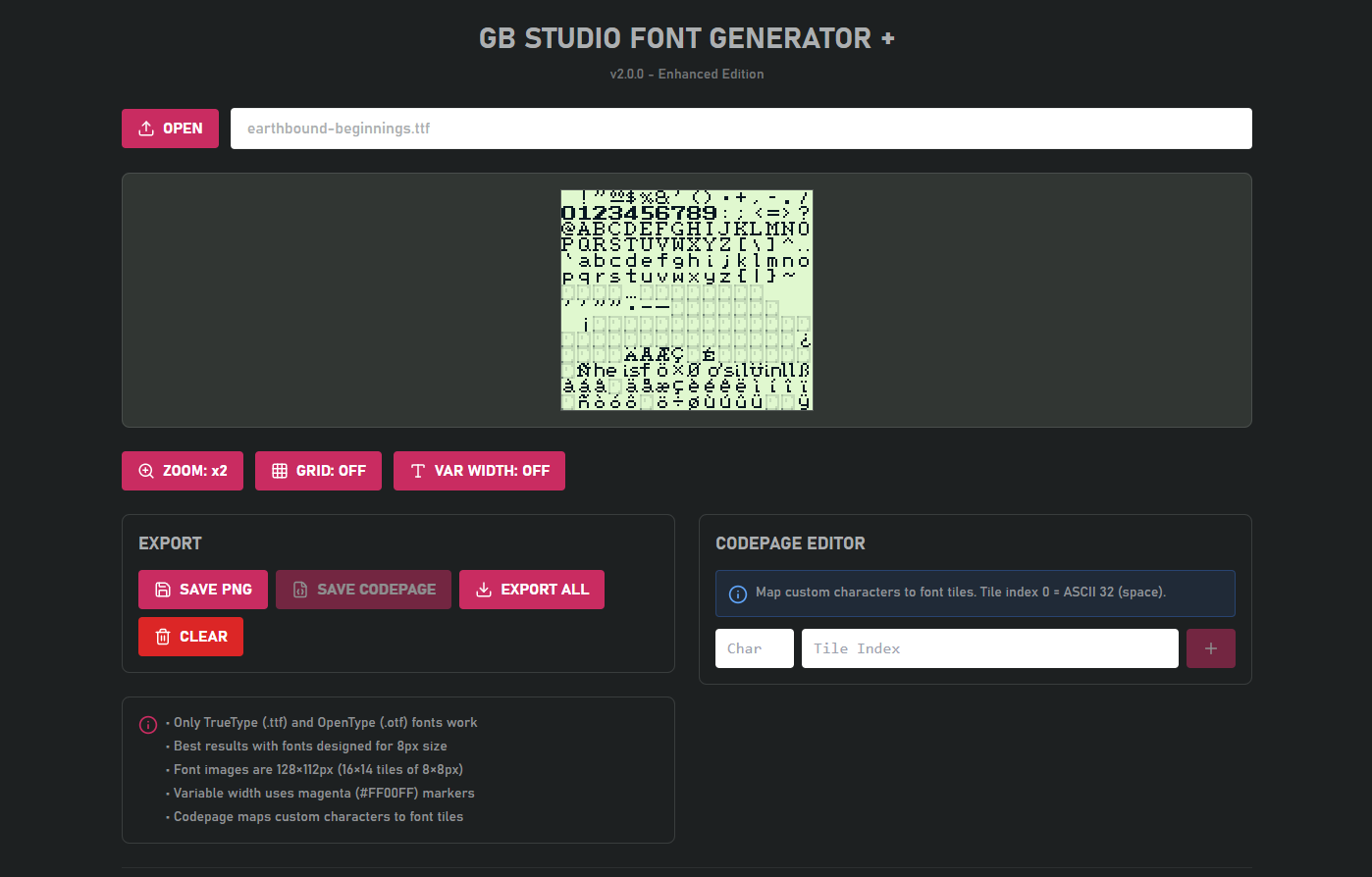
- Instant Preview - See exactly how your font will look with zoom controls (1x, 2x)
- Grid Overlay - Toggle grid lines to see the 8×8 tile boundaries
- One-Click Export - Save your font as a ready-to-use PNG file
- GB Studio Palette - Automatically uses the correct 4-color palette
New in Plus Edition 🆕
- Variable Width Fonts - Automatically detects character widths and adds magenta (#FF00FF) markers where needed. Perfect for fitting more text on screen!
- Codepage Editor - Map custom characters to font tiles for non-Latin alphabets. Great for Japanese, Russian, special symbols, and more
- Improved Performance - Faster processing and better memory management
HOW TO USE 📝
- Load a Font - Click "OPEN TTF" and select your font file
- Preview - See your font rendered in the 16×14 character grid
- Adjust Settings:
- Toggle zoom level (1x or 2x)
- Enable grid overlay to see tile boundaries
- Turn on variable width mode for automatic spacing optimization
- Codepage (Optional) - Map custom characters if you're using non-ASCII text
- Export - Click "SAVE PNG" and drop the file into your GB Studio project!
GB Studio Integration
- Copy the generated
.pngfile toassets/fonts/in your GB Studio project - If you created a codepage, copy the
.jsonfile too (same name as the PNG) - Select your font in GB Studio: Settings → UI Elements → Default Font
- Done! 🎊
TIPS & RECOMMENDED FONTS 💡
The tool works best with fonts designed for pixel-perfect rendering at 8px size. Here are some fonts that work great:
- Earthbound Beginnings - Classic RPG style
- Dogica - Clean pixel font
- Early Gameboy - Authentic GB look
- Silkscreen - Versatile and readable
- Press Start 2P - Retro gaming favorite
CREDITS & ACKNOWLEDGMENTS 🙏
- GB Studio by Chris Maltby - The amazing engine that made this all possible
- GB Studio Community - For feedback, suggestions, and support over the years
- Font Creators - Thanks to all the amazing pixel font designers out there!
- You - Thank you for supporting my projects!
Purchase
In order to download this Font Generator PLUS you must purchase it at or above the minimum price of $2.99 USD. You will get access to the following files:
Development log
- GB Studio Font Generator PLUS - Released!Jan 17, 2026
- GB Studio Font Generator PLUS is Coming Soon! 🎮Dec 11, 2025

Comments
Log in with itch.io to leave a comment.
It's a great idea but I can't use it as is right now. If you add these features, it will become a lot more usable:
The desktop version of GB Studio Font Generator PLUS isn't working for me. I can load the font, but I can't save the PNG file. I tried running GB Studio Font Generator PLUS as administrator, but that didn't help either.
Hello, thank you for reporting. I'll try to investigate the issue. Do you have any other useful information? Did you check if the result PNG had been saved eventually in one of the system folders like Documents, Download, Images etc...?
thanks for investigating. I cant save at all. I have made you a video that shows my problem.
Being able to add vertical spacing would be really nice!
hi! can this also generated .json?
Hi purchased this alongside a font I purchased and it didn't work, also tried another ttf from Google fonts also didn't work, it output and image but it's just garbled in studio. Can I get a refund please
Hello! I'm sorry that you're experiencing issues. However as stated in the "Tips and Suggestions" section of the product page the software works properly with fonts that can be correctly sized at 8px.
However, I'm not sure how refund policy works but I think you can follow the itch.io terms that can be found here: https://itch.io/docs/legal/terms#9-refunds
Thank you very much!
Can you make a Mac or web version? I'd like to use this but I don't have Windows
Working from a while on a Web version actually with recent features. Still gathering all the pieces for a proper release. Thank you for your question!
Very cool! Thanks for you work
Do you need a beta tester for the web version? I'd be happy to help out
Hello! And thank you very much for your interest! However, I think I have all the pieces together and the release will probably happen soon the start of the new year. Thank you!
Awesome! Can't wait
Hello! Whenever you get around to updating to 3.0+, could you please add a invert option, where black and white pixels are swapped? This can be done on other software, but it seems like an easy feature to tack on. Best of luck!
Hi, does this still work for the current gbstudio?
Hello! This software was developed for font generation for GB Studio prior to version 3.0. I got busy and I still haven't released the updated for the most recent versions.
Hopefully, I'll get back on this as soon as I can, thank you for your interest!
Do you know if this will work in Linux using WINE?
Hello there!
I never tried using it on Wine. However, since the software has been developed in python and then used Freeze for the Exe compilation, I suppose that It could work on WINE, too.
However, I think your question is pretty valid and I'll try myself asap!
That would be great, thanks! It it works, I'd use it for sure.
How do you even use this program? Where does the program file go? Where does the file generated go? Your page doesn't explain how this works
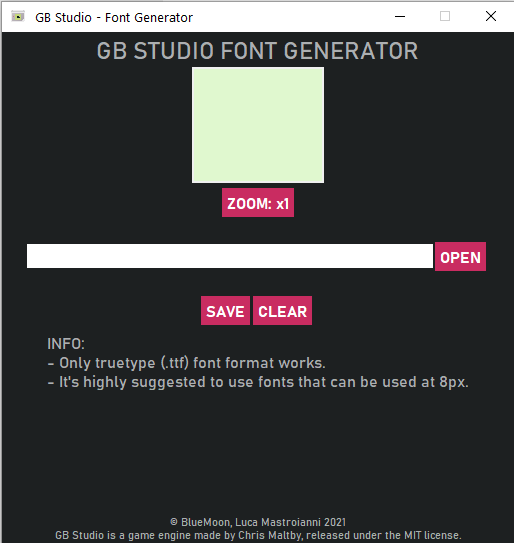
Hi there! The software is standalone and it does not need an installation. Extracting the software's folder from the attached archive, you will directly find the program executable. About the use, the process is pretty direct: open the software and you will find a file dialog for opening a .ttf font file -> after selecting your font file a preview is generated in the software. Pressing the button "SAVE" the software will generate inside the folder where you have executed it a file named ascii.png.
One of the attached images in this page is a GIF showing the whole progress :)
Furthermore, considering the recent release of GB STUDIO v3.0 it seems there are edits on the font's image format and a new version of this software will be released as well :)
Thank you for your feedback!
Wonderfull ! Is there any Mac version planned ?
Yes, it is! I hope to release it when I'll complete the v1.0.1 version of the software. Thank you for your interest!
perfect. Thanks !