RPG MAKER × 3D Core - For RPG Maker MZ
A downloadable tool
GENERAL
Blue 3D Core is a free core plugin for RPG Maker MZ and the base dependency of the RPG MAKER × 3D plugin collection.
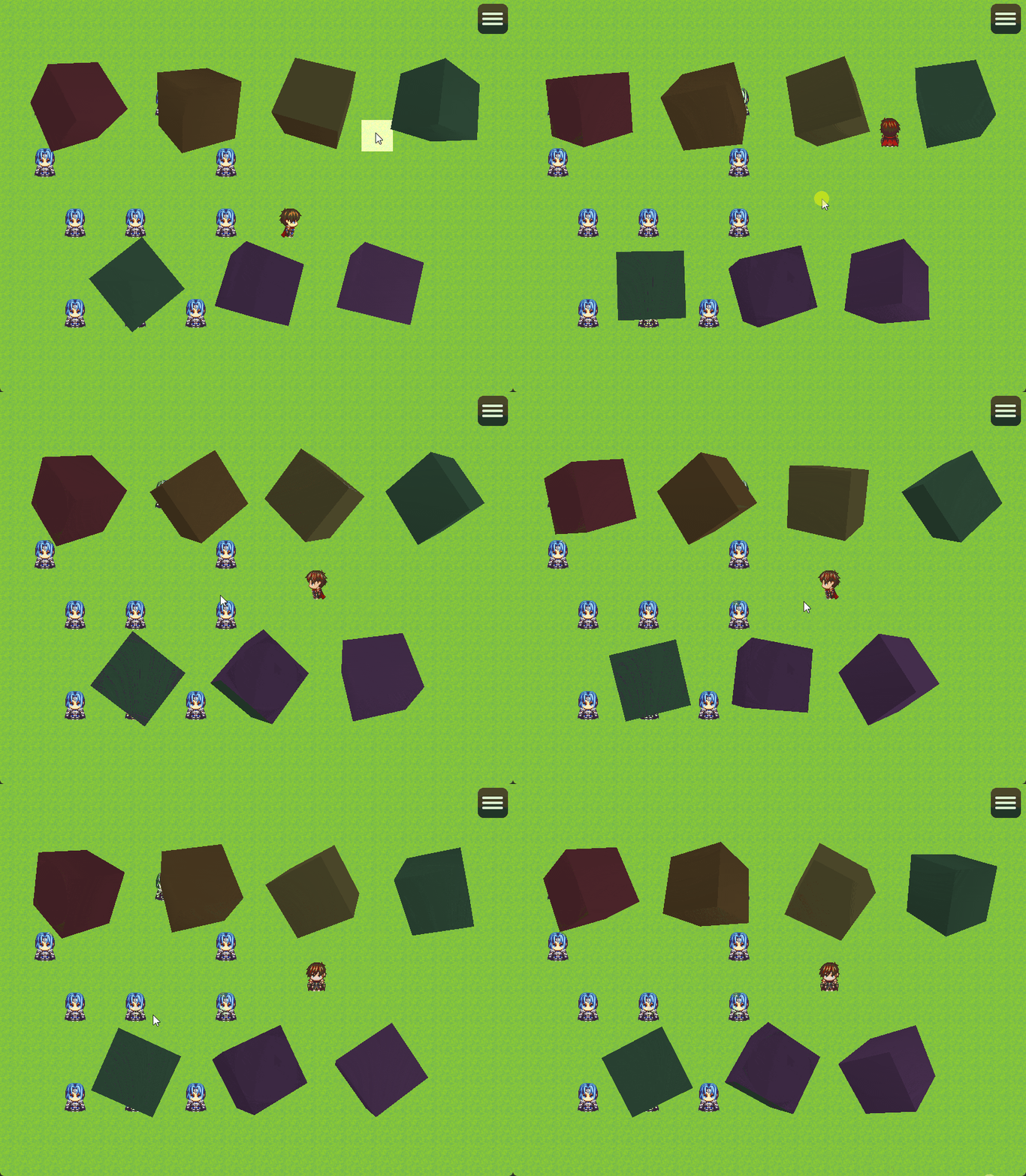
The plugin provides a shared 3D rendering system that other plugins can use to load, display and interact with GLB / glTF 3D models directly inside RPG Maker MZ.
By itself, Blue 3D Core does not add a new scene, menu or gameplay system. Its purpose is to provide a reusable and optimized 3D foundation for the other plugins in the RPG MAKER × 3D collection.
It includes model loading, automatic fitting, camera management, lighting, rotation, zoom, mouse interaction, caching and several rendering options.
IMPORTANT
Blue 3D Core is not intended to be used as a standalone gameplay plugin.
It is a shared dependency required by plugins from the RPG MAKER × 3D collection.
Install this plugin above the other RPG MAKER × 3D plugins in the Plugin Manager.
INSTALLATION
Place:
Blue_3DCore.js
inside:
js/plugins/
Then enable it from the RPG Maker MZ Plugin Manager.
The plugin also requires the included Pixi3D library:
js/libs/pixi3d-2.5.0.js
The library is automatically loaded by Blue 3D Core before RPG Maker starts the renderer.
MODEL FOLDER
3D models must be placed inside a folder named:
models/
in the root directory of the RPG Maker project.
Example:
YourGame/
├── audio/
├── data/
├── img/
├── js/
├── models/
└── index.html
A model can then be referenced using a relative path such as:
weapons/sword.glb
or:
items/key/scene.gltf
SUPPORTED 3D FORMATS
Blue 3D Core supports glTF 2.0 models.
The recommended format is:
.glb
with embedded PNG/JPEG textures.
Standard .gltf files are also supported.
If a model uses external files such as:
scene.gltf
scene.bin
textures/
you must preserve the original directory structure.
Example:
models/
  sword/
    scene.gltf
    scene.bin
    textures/
      sword_diffuse.png
UNSUPPORTED FORMATS
The following are not supported directly:
- Draco compressed models;
- Meshopt compressed models;
- KTX2 / Basis compressed textures;
- arbitrary external URLs.
If necessary, re-export the model as a normal GLB or glTF file before using it.
MODEL SETTINGS
Blue 3D Core provides several default options that can also be overridden by plugins using the Core.
Auto Fit
Automatically centers the model and scales it to fit the configured model size.
Model Size
Determines the normalized size of the model when Auto Fit is enabled.
Auto Rotate
Automatically rotates the model while it is displayed.
Rotation Speed
Controls rotation speed in degrees per second.
Rotation Axis
Available axes:
X Y Z
CAMERA SETTINGS
Camera Distance
Controls the distance between the camera and the model.
Field of View
Controls the perspective of the 3D camera.
Default Zoom
Defines the initial zoom level.
Minimum Zoom
Minimum zoom allowed for interactive previews.
Maximum Zoom
Maximum zoom allowed for interactive previews.
INPUT SETTINGS
Blue 3D Core includes optional interactive controls for 3D previews.
Mouse Rotation
When enabled, the user can drag the mouse over the 3D preview to rotate the model.
Mouse Zoom
When enabled, the mouse wheel can zoom the model.
Drag Sensitivity
Controls how quickly the model rotates while dragging.
These systems can be used automatically by other plugins in the RPG MAKER × 3D collection.
RENDERING SETTINGS
Render Scale
Controls the internal resolution of the 3D preview.
1.00 = native resolution
< 1  = lower resolution
> 1  = higher internal resolution
Unlit
When enabled, models use their texture colors without dynamic lighting.
When disabled, the model uses the configurable lighting system.
Key Light
Main 3D light source.
You can customize:
- intensity;
- position;
- color.
Fill Light
Secondary light source used to soften shadows and improve model visibility.
You can customize:
- intensity;
- position;
- color.
Background Color
Defines the default background color used by 3D previews.
Background Picture
Optional image loaded from:
img/pictures/
Fallback Color
Defines the color of the fallback cube displayed when a model cannot be loaded.
Loading Text
Text displayed while a model is loading.
MODEL CACHE
Blue 3D Core includes a shared model cache.
When multiple plugins or scenes request the same model, the Core can reuse the same loaded asset instead of loading it again every time.
The cache includes a configurable limit and uses an LRU-style cleanup system for completed model entries.
This helps reduce unnecessary model loading while keeping memory usage under control.
DEVELOPER API
Blue 3D Core also exposes a reusable API through:
Bluemoon.ThreeD
Example:
const view = new Bluemoon.ThreeD.ModelView(300, 300, {
    autoRotate: true,
    rotation: [0, 0, 0],
    zoom: 1,
    background: "#101318"
});

scene.addChild(view);

view.setModel("sword.glb");
Available functions include model loading, zoom control, resizing, rotation reset and safe resource destruction.
This API is primarily intended for RPG MAKER × 3D addons and advanced plugin developers.
EXPORTING YOUR GAME
When deploying your project, make sure the final game includes:
models/
js/libs/pixi3d-2.5.0.js
RPG Maker MZ's Exclude Unused Files option cannot automatically detect external 3D model dependencies.
3D models and their textures are also not encrypted by RPG Maker's image encryption system.
Always verify your exported build before distribution.
PLUGIN COMPATIBILITY
Blue 3D Core is designed for:
RPG Maker MZ - Developed and tested on version 1.10.0
It uses:
PIXI.js 5.3.x
Pixi3D 2.5.0
Place Blue 3D Core below engine/core/resolution plugins and above other RPG MAKER × 3D plugins.
Plugins that completely replace rendering, scenes or heavily modify PIXI internals may require compatibility work.
Full compatibility with VisuStella plugin combination cannot be guaranteed.
This plugin is NOT compatible with RPG Maker MV.
THIRD-PARTY SOFTWARE
Blue 3D Core uses Pixi3D 2.5.0.
Pixi3D is distributed under the MIT License.
The original Pixi3D license should be included when distributing a project that contains the library.
No 3D models are included with Blue 3D Core.
TERMS OF USE
- Credits to Bluemoon / Sparrow Tales.
- Blue 3D Core can be used in both commercial and non-commercial RPG Maker MZ projects.
- You may edit the plugin code for your own project.
- Do not redistribute Blue 3D Core as a standalone plugin outside the permitted distribution terms.
- Do not remove or alter the plugin header information, filename or parameter names.
- Third-party software and assets remain subject to their respective licenses.
- Pixi3D remains subject to its original copyright and MIT License.
Thank you very much for the support!
Download
Click download now to get access to the following files:
Comments
Log in with itch.io to leave a comment.
What's with that grotesque cover art on the page?
Thanks for the feedback! This is a project I work on in my free time, and since I'm mainly a programmer, I honestly focused much more on the code than on the graphical side.
As noted in the “More Information” section, the artwork is AI Assisted. Still, when I have more time, I'd like to give the visual side of the project more attention too.
I hope the plugin itself can still be useful to you, and that you'll be curious to see the next plugins that will be built on top of this Core!