KH Game Over - for Rpg Maker MZ
A downloadable asset pack
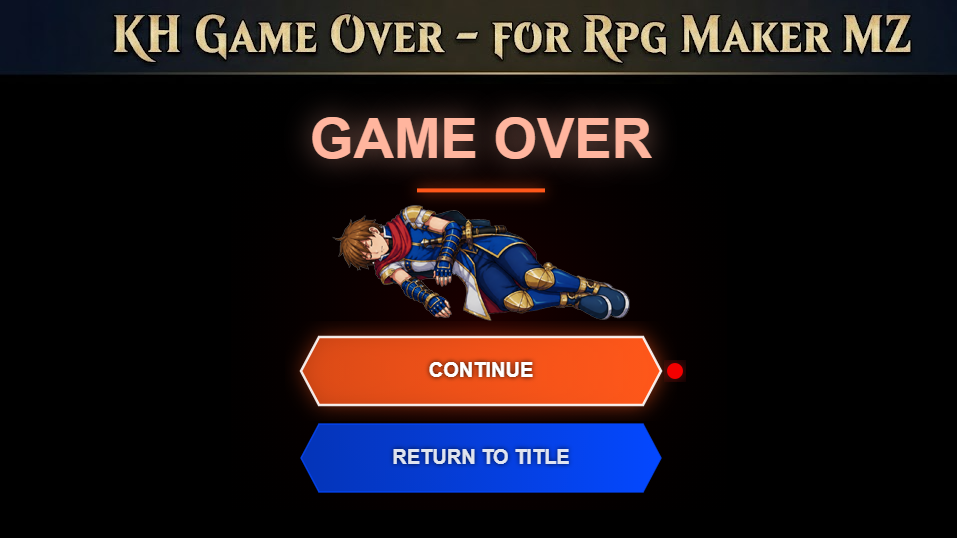
A stylized Game Over screen inspired by classic handheld action RPGs.
GENERAL
KH Game Over is a plugin for RPG Maker MZ that replaces the default Game Over screen with a more atmospheric and animated one.
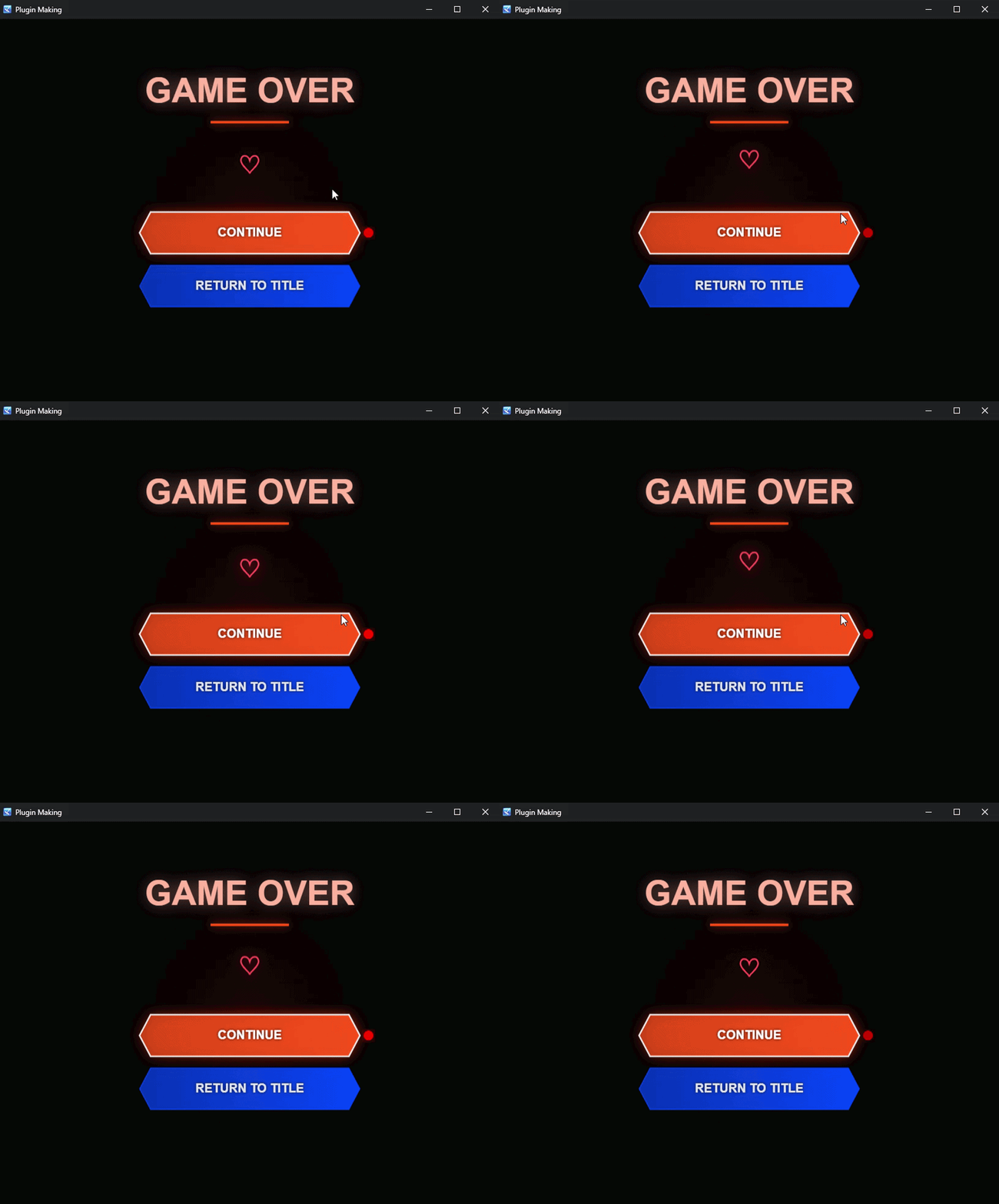
The plugin is inspired by the visual mood of classic GBA action RPG Game Over screens, featuring a dark red fog background, a glowing title, animated central display and two stylish hexagonal buttons for Continue and Return to Title.
It is designed for developers who want a more dramatic, polished and memorable Game Over screen instead of the default RPG Maker one.
MAIN FEATURES
- Custom Game Over screen for RPG Maker MZ;
- Dark atmospheric background with red radial fog;
- Animated glowing Game Over title;
- Floating center display;
- Three different center display modes:
- animated glowing heart;
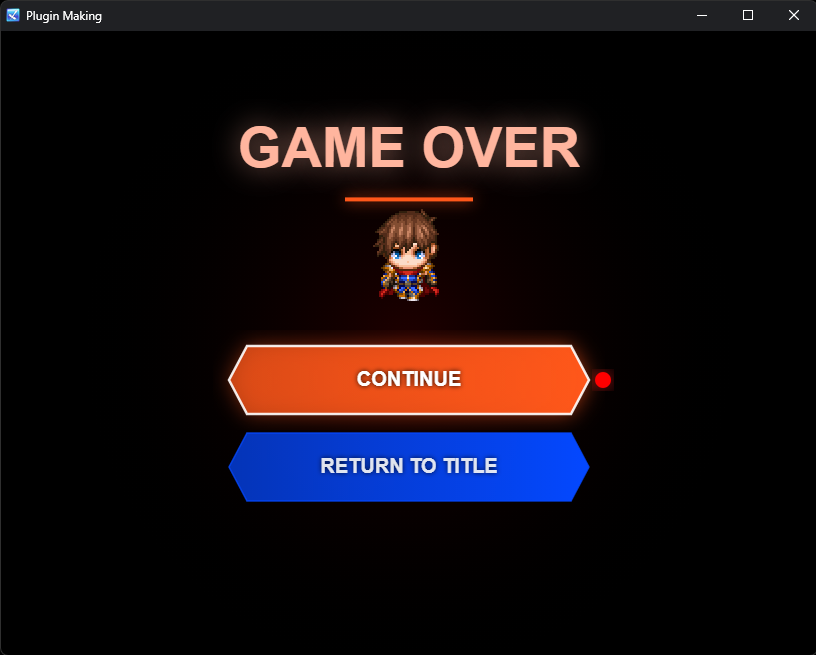
- actor walking sprite;
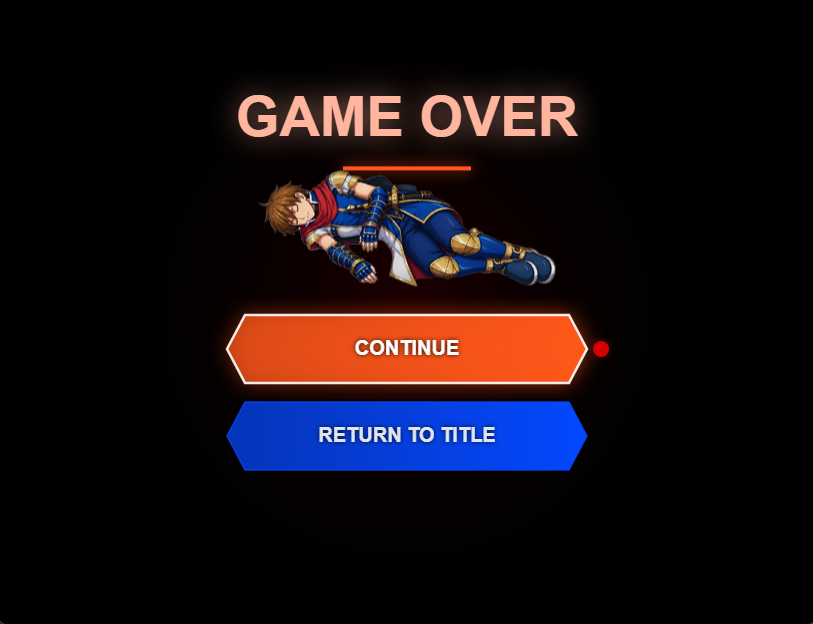
- custom picture from
img/pictures/;
- Hexagonal Continue and Return to Title buttons;
- Glowing orb cursor on the selected button;
- Smooth fade-in and fade-out transitions;
- Touch / mouse support;
- Continue option loads the most recent save file;
- Continue button is automatically disabled if no save file exists;
- Optional custom BGM;
- Option to use the default RPG Maker Game Over ME;
- Runtime customization through Plugin Commands.
CENTER DISPLAY
The center element of the Game Over screen can be customized depending on the style of your game.
By default, the plugin shows an animated glowing heart.
However, you can also display:
- an actor walking sprite;
- a custom image from the
img/pictures/folder.
This makes the plugin useful for different kinds of projects: dark fantasy games, emotional RPGs, horror games, visual novels, action RPGs or story-driven projects where the Game Over screen should reflect the current character or mood.
For example, you can show the protagonist’s sprite in the center of the screen, or use a custom illustration for a special Game Over moment.
PLUGIN COMMANDS
The plugin includes commands that allow you to change the center display during gameplay.
Set Center Display: Actor Sprite
Shows the walking sprite of a selected actor in the center of the Game Over screen.
This setting is stored in $gameSystem, so it will persist across saves and will be applied the next time the Game Over screen appears.
Set Center Display: Custom Picture
Shows a custom image from the img/pictures/ folder.
Useful if you want to use a special illustration, symbol, item, logo or story-related image.
Set Center Display: Heart
Resets the center display to the default animated glowing heart.
CONTROLS
- Up / Down: Move cursor between buttons;
- Z / Enter: Confirm selection;
- X / Esc: Shortcut to Return to Title;
- Touch / Mouse: Tap a button to select and confirm it.
AUDIO
You can decide how the Game Over screen handles audio.
The plugin allows you to:
- play a custom looping BGM;
- use the default RPG Maker Game Over ME;
- leave the screen silent.
This gives you more control over the tone of the scene, depending on whether you want something dramatic, sad, mysterious or minimal.
PLUGIN PARAMETERS
The plugin can be customized through several parameters, including:
- Title text;
- Continue button text;
- Return to Title button text;
- Title color;
- Underline color;
- Continue button color;
- Return to Title button color;
- Heart color;
- Fog color;
- Fade-in duration;
- Fade-out duration;
- Default display mode;
- Default actor ID;
- Actor sprite index;
- Custom picture name;
- Display scale;
- Actor walk animation speed;
- BGM name;
- BGM volume;
- BGM pitch;
- Use default Game Over ME.
HOW TO USE
- Place the plugin inside your project’s
js/plugins/folder. - Enable it from the RPG Maker MZ Plugin Manager.
- Customize the parameters as you prefer.
- If you want to use a custom picture, place it inside: img/pictures/
- Use Plugin Commands during gameplay if you want to change the center display dynamically.
CHANGELOG
Version 1.1.0
- Added center display modes;
- Added actor sprite display;
- Added custom picture display;
- Added Plugin Commands for runtime switching;
- Added persistent display settings through
$gameSystem.
Version 1.0.0
- Initial release.
TERMS OF USE
- Credits are not required but highly appreciated.
- You can use this plugin in both commercial and non-commercial projects.
- Edits to the code are allowed.
- Redistribution of the plugin as-is is not allowed.
- Please do not remove or alter the plugin header information.
Purchase
In order to download this asset pack you must purchase it at or above the minimum price of $3.99 USD. You will get access to the following files:
Comments
Log in with itch.io to leave a comment.
Now thats innovative, a video however would be nice